MicroPython and Pycharm
I had been looking for some alternatives to Thonny, and found an easy way to work with MicroPython using Pycharm
In the past, I've created a few projects on a Raspberry Pi Pico, such as a thermometer and weather station. While working on those projects, I was using Thonny as the IDE, which is great to start with. After a while though, I started to miss features from full-fledged IDEs like VS Code or, more recently, Rider.
I tried some extensions in VS Code multiple times - both on Windows and Linux - but never had much success getting them to work. The other night, though, I decided to step back into micropython and went looking for something that might work with Pycharm. I'm happy to say I found the MicroPython Tools plugin, and it works great.
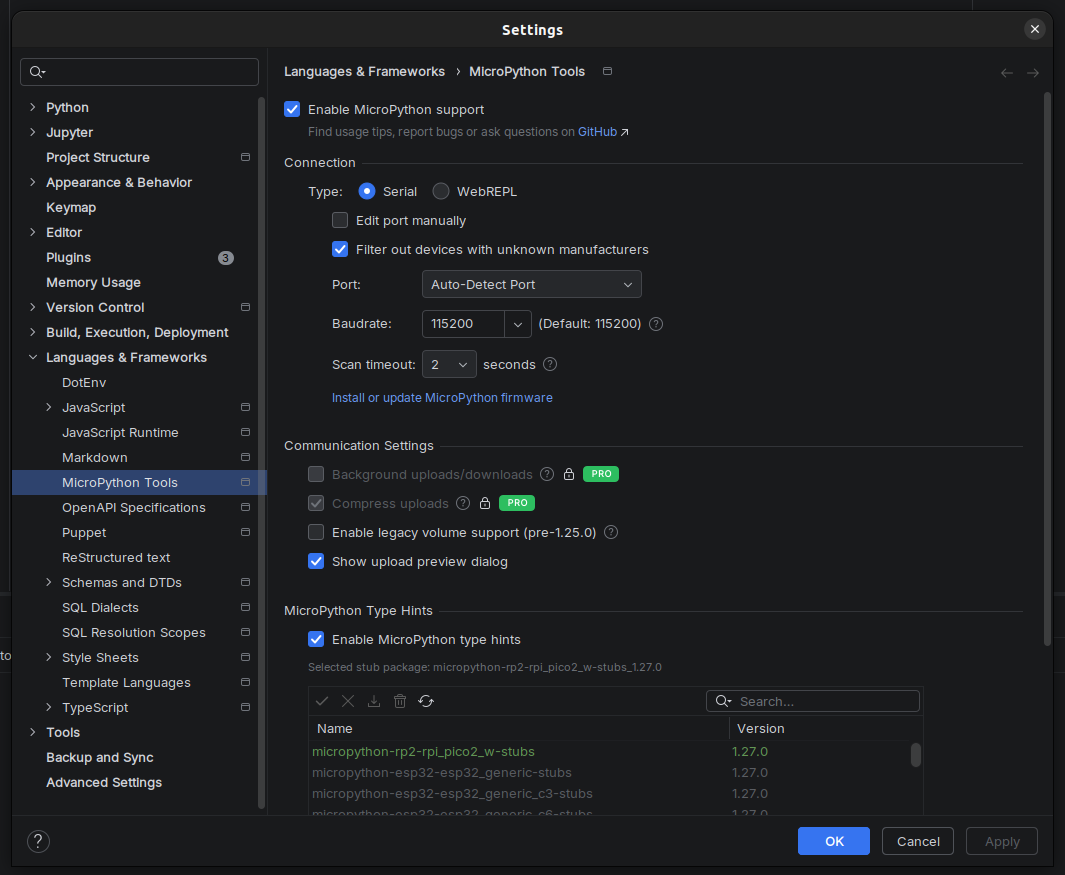
After installing the plugin, you can turn on micropython support by going into Settings -> Languages & Frameworks -> MicroPython Tools and enabling support / installing the stubs
Next, you need to create a configuration that allows you to upload your files to the Pico
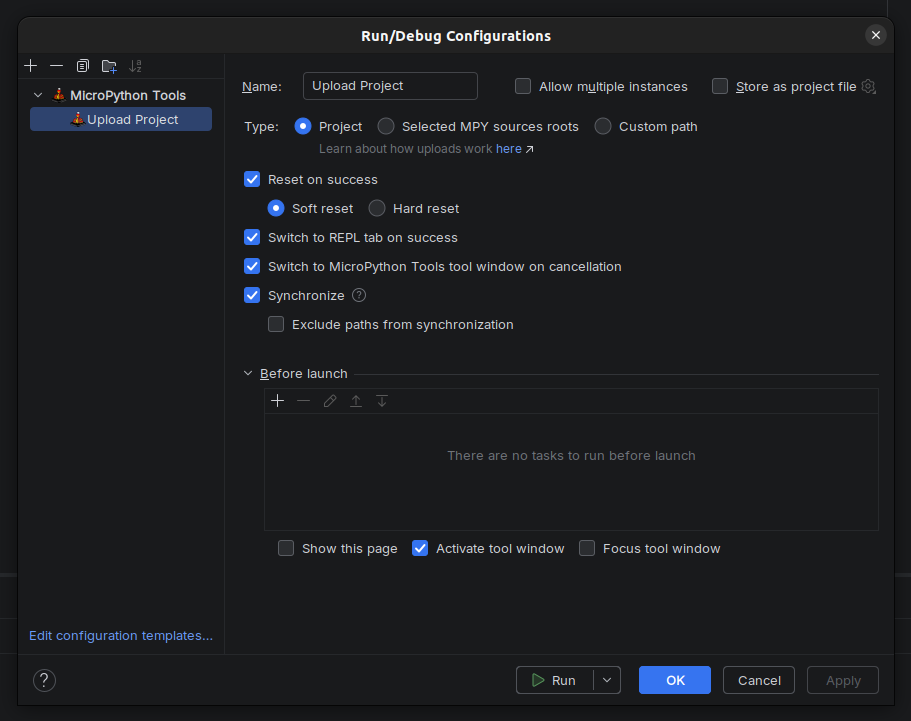
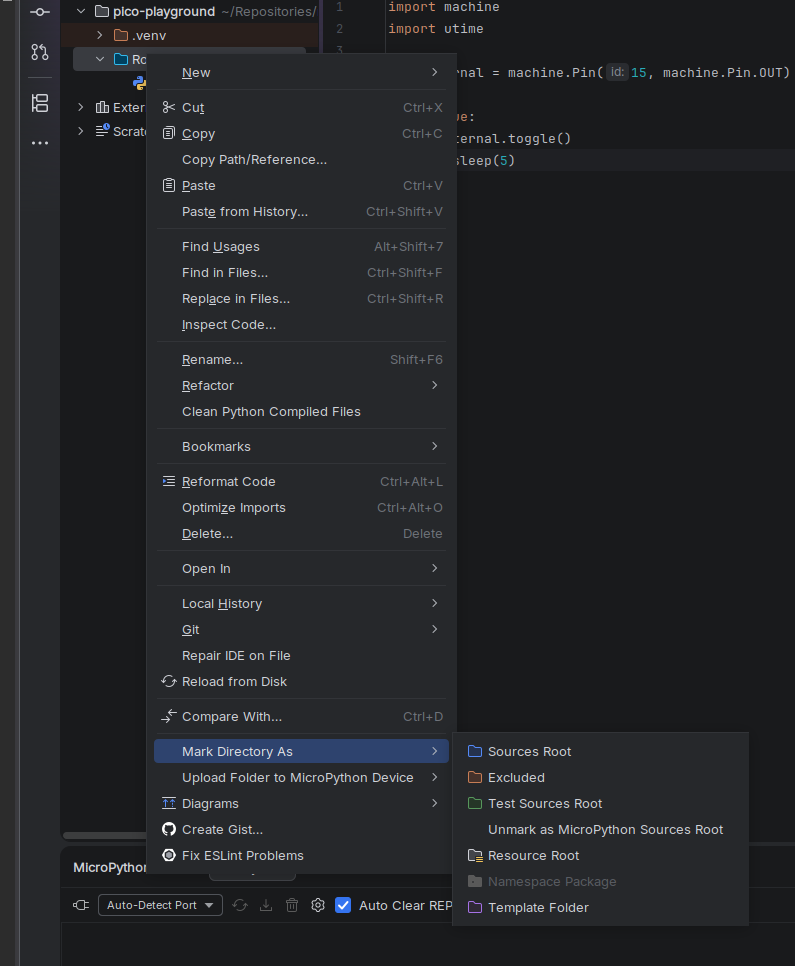
Finally, after creating a new project and "Root" directory, you can mark the directory as the "MicroPython Sources Root" which, when running the upload configuration, will push everything in that directory to the root of the Pico
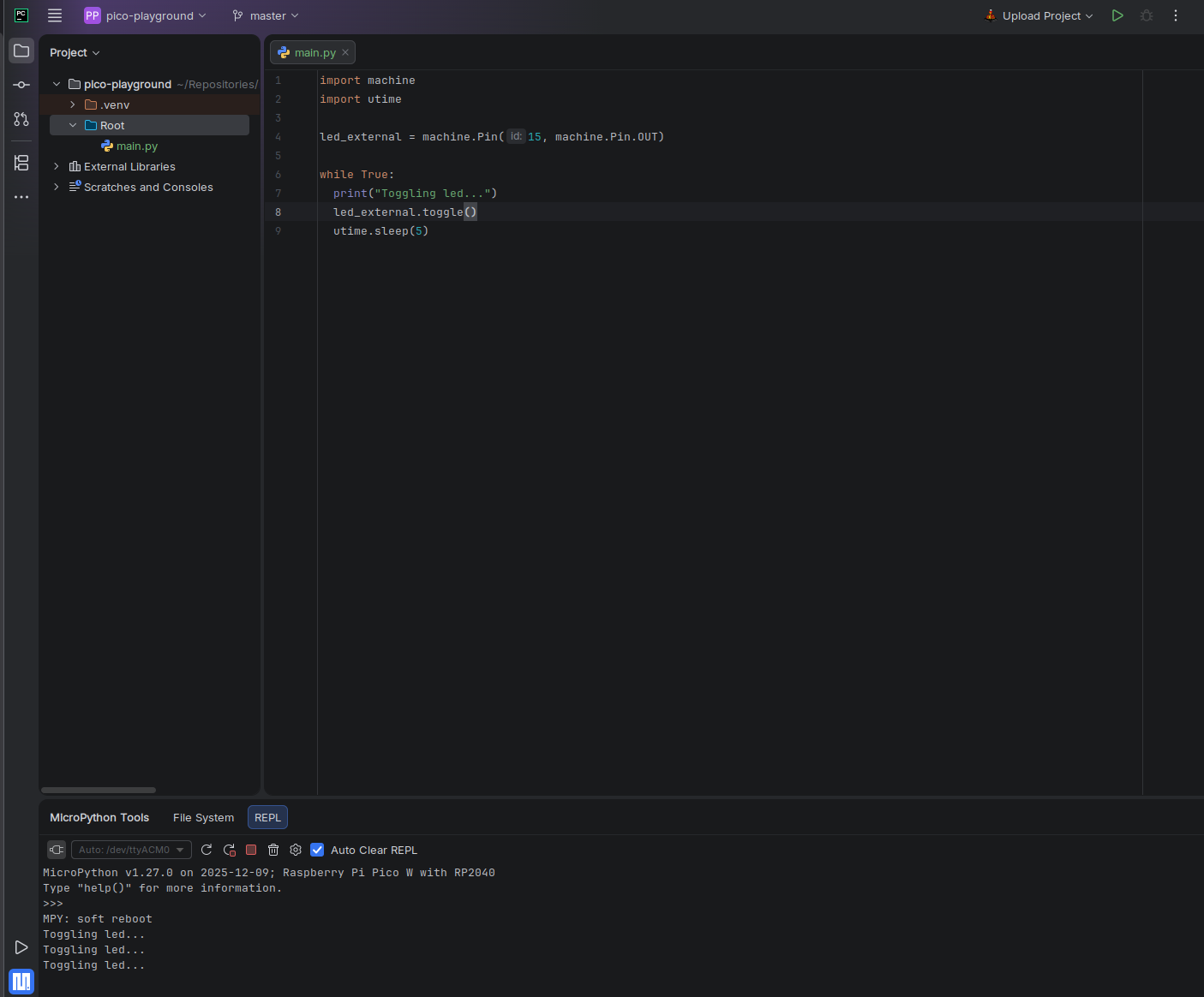
Now, you can click the "connect" button under the MicroPythonTools tab, make changes in Pycharm like you normally would, and then see the results after running the "upload" config
sudo usermod -a -G dialout {user}, and restart my machine