Using Parameters in FreeCad
A simple way to use parameters in FreeCAD

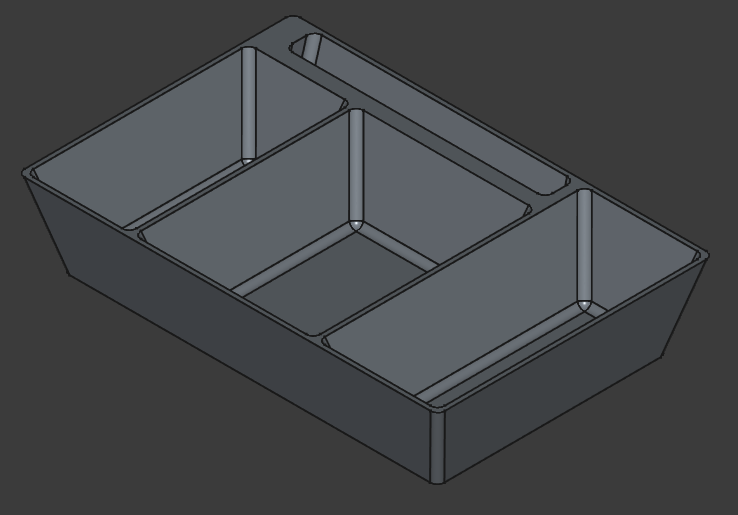
Over the weekend, I was designing a drawer-insert in an effort to keep my keys, wallet, etc organized. I wanted to be able to save certain dimensions as a variable though, instead of manually inputting all of the values - that way if I need to change something, all of the related measurements update appropriately.
With Fusion 360, there's a parameters window; however, FreeCAD works a bit differently.
Create a Spreadsheet
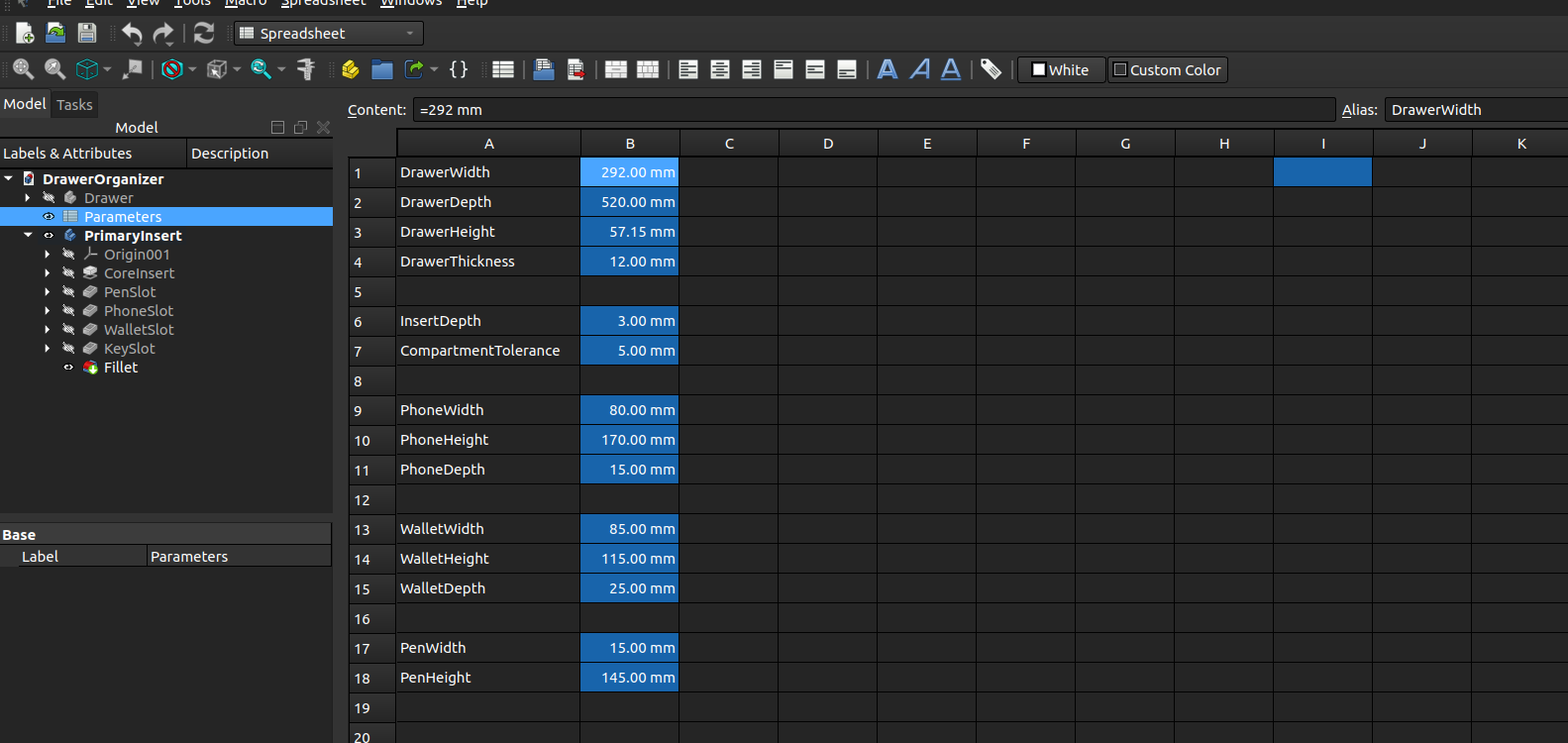
First, you have to go to the spreadsheet workbench and create a new spreadsheet. From there, I added the names and values that I wanted to utilize.
After that, you can create an alias for each cell that you'll reference in the sketches. You can tell if there's an alias by the cell's shading.
Create a Formula
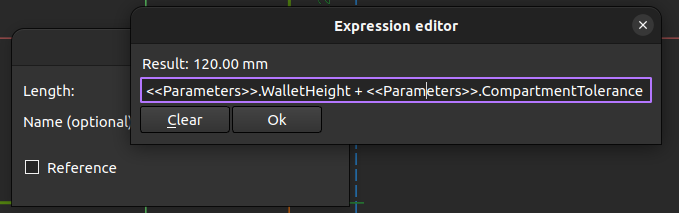
Finally, inside of the sketch, you can create a dimension and select the "function" icon. From there, reference the spreadsheet name and the alias.