Working with Multi-Part STEP files in FreeCAD
Expanding on a STEP file inside of FreeCAD was a bit more involved than I thought it would be - especially when the STEP file contained multiple parts! This is how I went about it.
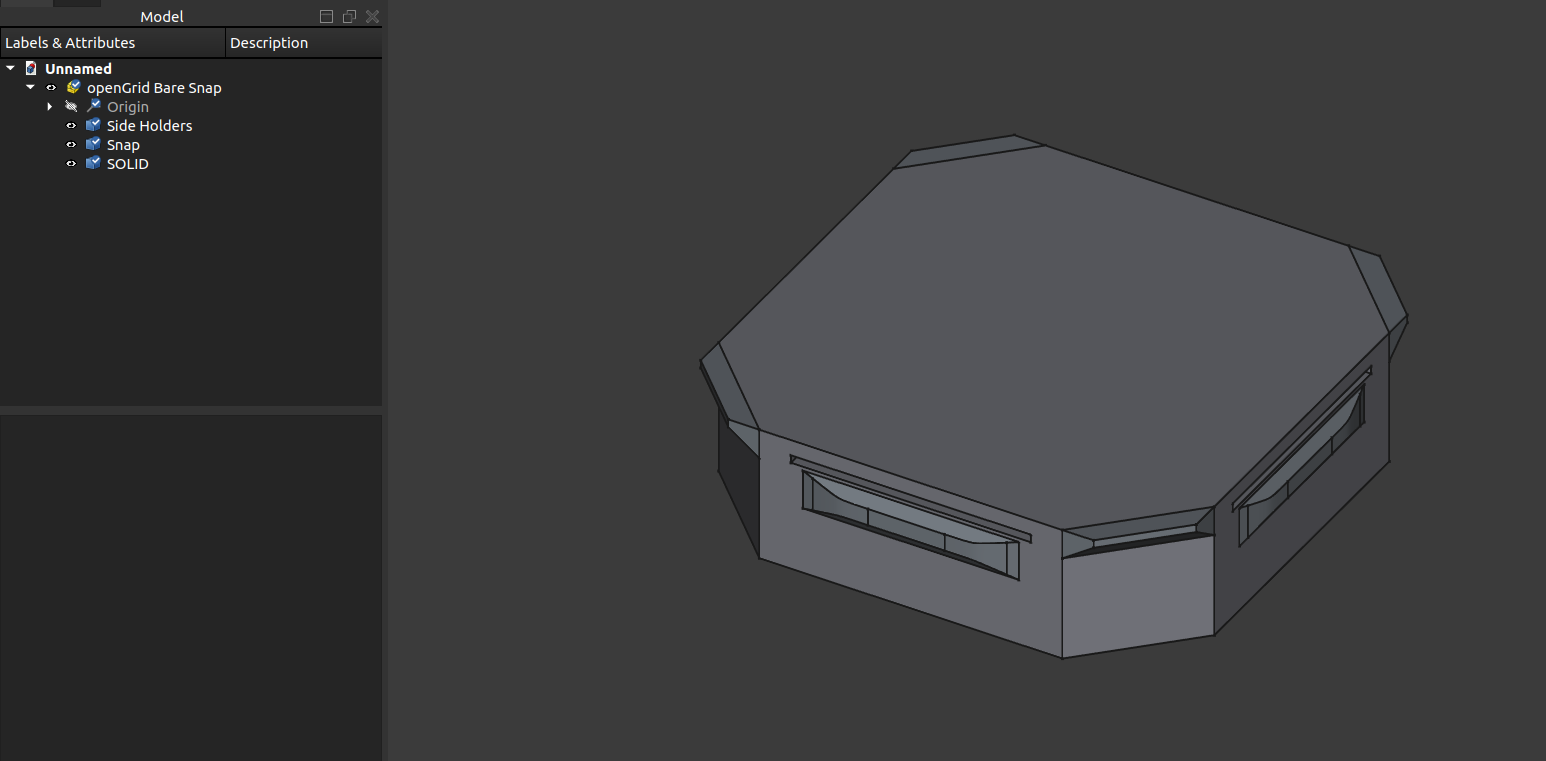
Over the weekend, I came across openGrid and thought I'd give it a try for organizing the tools in my office. I downloaded the files from printables and they're working great so far; however, I wanted to design some custom bins and mounts so I needed to use the provided STEP file.
I haven't really worked with STEP files inside of FreeCAD, much less multi-part STEP files, so it took me a few attempts to accomplish what I was wanting.
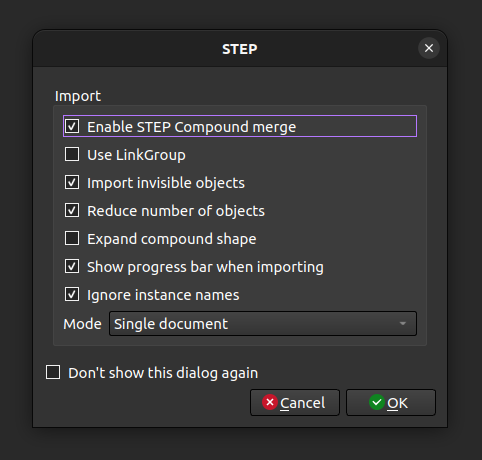
First, we need to create a new document and then import the step file. I decided to check the "Enable STEP Compound merge" and "Reduce number of objects" in order to end up with three parts:
- Side Holders
- Snap
- SOLID
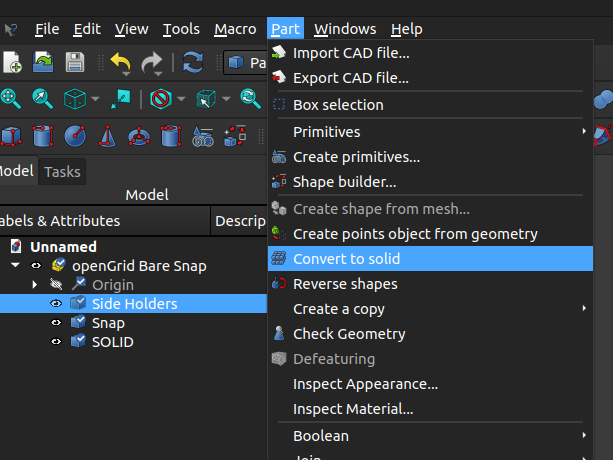
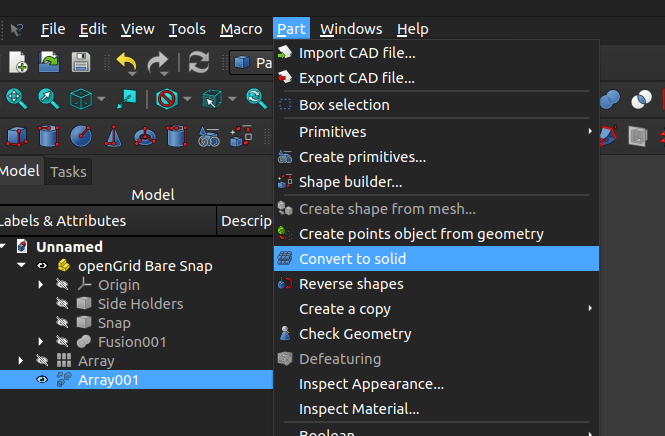
Next I wanted to combine the three parts, but was unable to do so because they weren't solid. To resolve this, I went to the "Part" workbench and chose "Convert to Solid" for both the Side Holders and Snap
After everything was solidified, I used two "Union" operations to turn the 3 parts into one - First to join the "SOLID" and "Side Holders" and again to join the "Fusion" to "Snap"
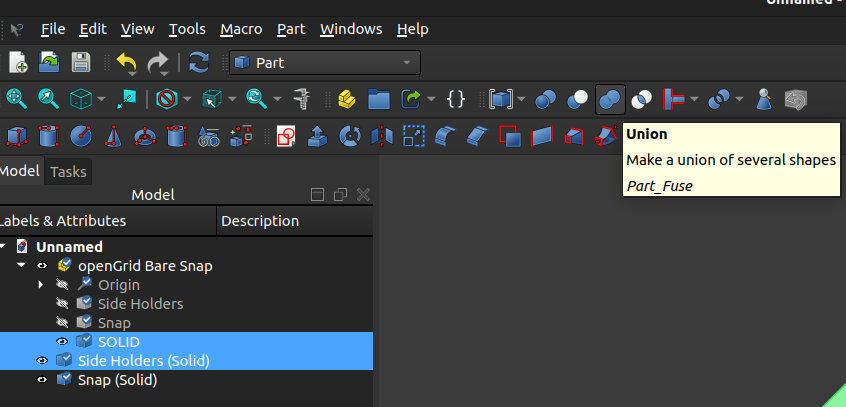
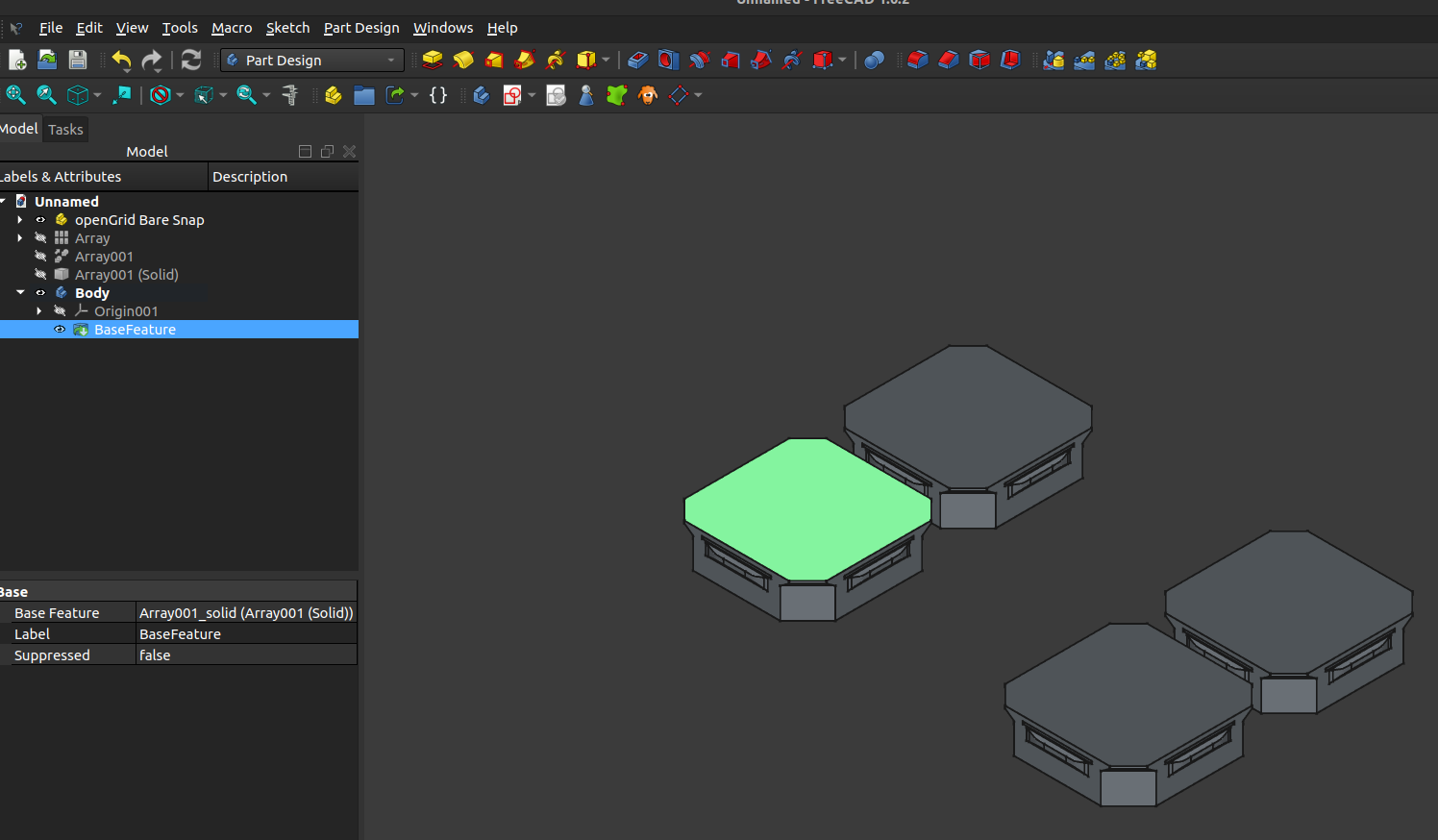
Now, in order to create a sketch on this object, it needs to be included as part of a "Body". The problem is that when bringing something into a body, it becomes a "base feature" and can't be used as part of a pattern.
To address this, I went to the "Draft" workbench and created a two-dimensional array prior to turning it into a body.
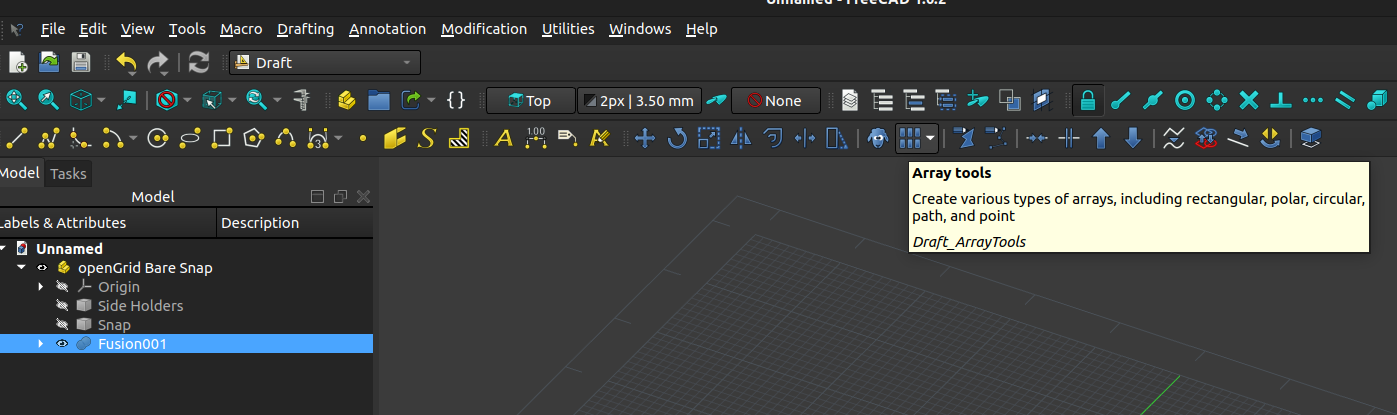
I needed the snaps to be within a 2x3 grid, so I used 28 mm and 56 mm as my dimensions
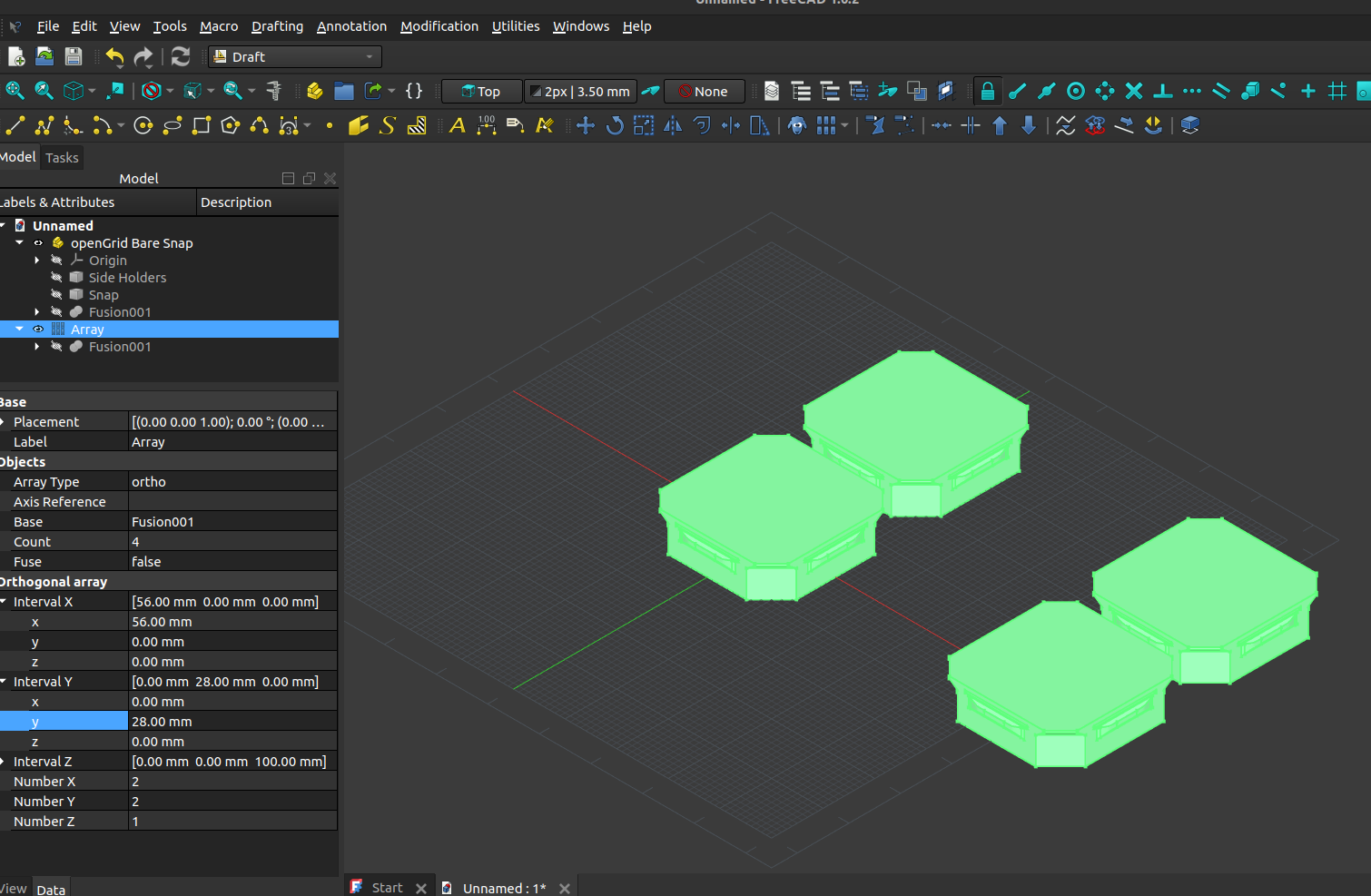
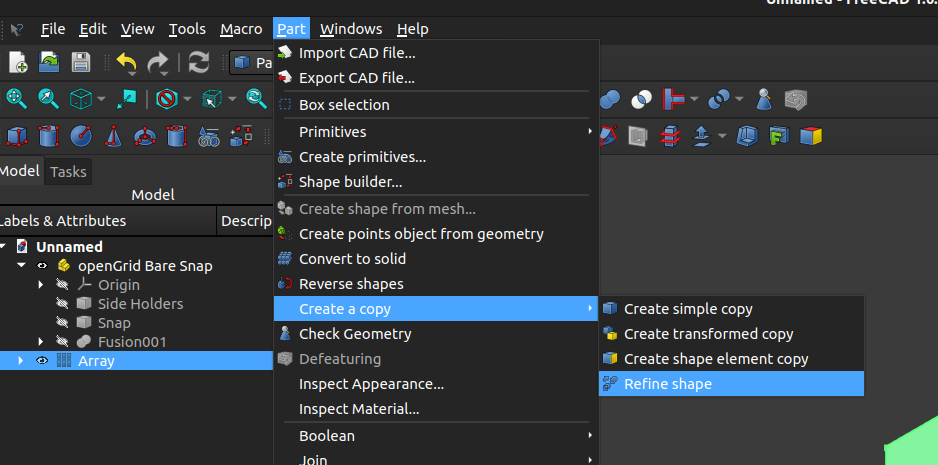
Once the array of snaps has been created, they need to be "fused" together. To do this, I went back to the "Part" workbench, refined the shape, and then converted that to a solid
At this point, we can finally go to the "Part Design" workbench, create a body, move the solid into the body, and then create a sketch on the appropriate surface